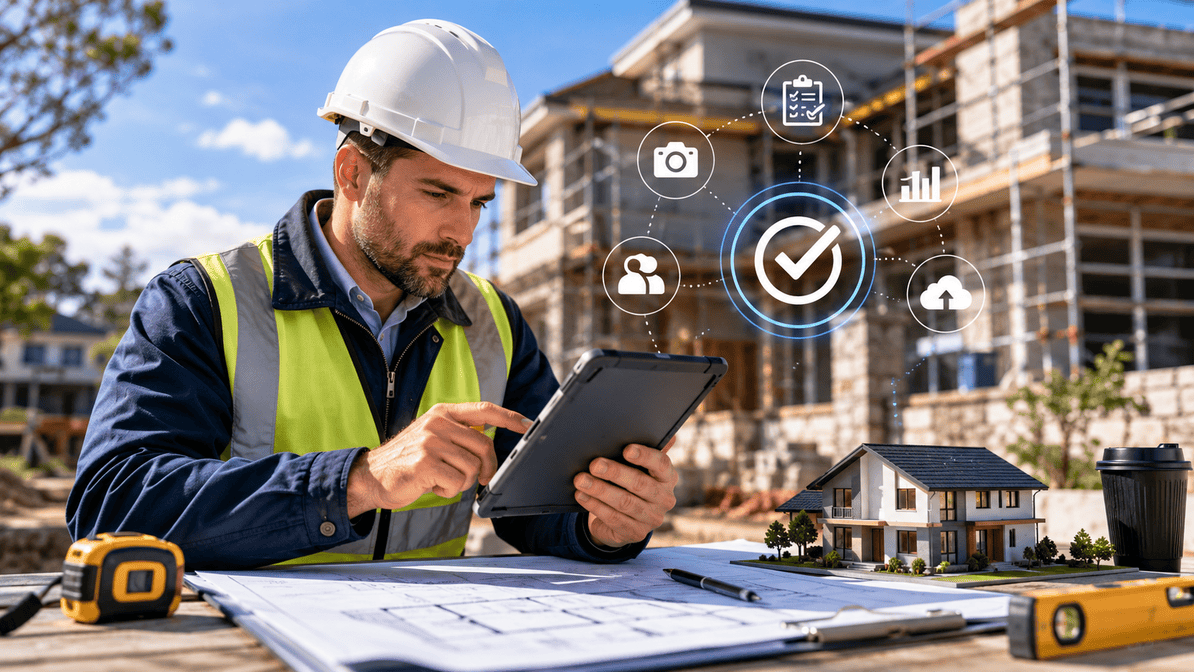
Complete Guide to Inspection Software Selection
Choosing building inspection software? This complete guide helps inspectors compare features, improve compliance, and boost field productivity.
How to Choose the Right Building Inspection Software
For many building inspectors, the job is no longer just about what happens on site. It is about what happens after the inspection too. Reports, compliance documentation, photo evidence, client communication, and regulatory standards all need to be managed quickly and accurately.
If you are still juggling spreadsheets, handwritten notes, and delayed reporting, you are likely feeling the pressure. Tight deadlines, increasing compliance requirements, and rising client expectations make manual workflows harder to sustain.
That is where modern building inspection software changes the game. But with so many tools on the market, choosing the right one can feel overwhelming. This guide breaks down what really matters when comparing options, especially if you are doing a building inspection software comparison for your team or business.
Why Inspection Software Matters More Than Ever
Today’s inspection work is heavily compliance-driven. Whether you are inspecting residential properties, commercial sites, or safety systems, accuracy and documentation are critical.
Traditional workflows often lead to:
- Missing or incomplete reports.
- Delayed submissions.
- Lost photos or evidence.
- Compliance risks.
- Rework and client dissatisfaction.
Digital inspection platforms like Formitize help eliminate these issues by streamlining the entire process from site capture to final report delivery.
Instead of spending hours back in the office retyping notes, inspectors can complete reports on-site and submit them instantly.
Key Features to Look for in Building Inspection Software
Not all platforms are built the same. When comparing tools, focus on how well they support real-world inspection workflows rather than on feature lists alone.
1. Mobile-First Inspection Capture
Inspectors spend most of their time in the field, so mobile usability is essential. A strong platform should allow you to:
- Capture photos with annotations.
- Record notes offline.
- Complete checklists on-site.
- Sync data automatically when online.
If the app is slow or difficult to use on-site, it will slow down your entire workflow.
2. Customisable Templates for Compliance
Every inspection type has different requirements. Whether you are handling safety audits, property condition reports, or regulatory checks, templates should be adaptable.
Look for software that allows you to:
- Build custom inspection forms.
- Adjust fields for different job types.
- Align reports with compliance standards.
- Reuse templates across teams.
This flexibility reduces human error and ensures consistency across all reports.
3. Automated Reporting and Documentation
Manual report writing is one of the biggest time drains for inspectors. Modern tools should automatically convert field data into professional reports.
A strong system will:
- Generate branded PDF reports instantly.
- Include photos and annotations automatically.
- Standardise formatting for compliance.
- Allow quick sharing with clients or stakeholders.
This alone can save hours per inspection.
4. Offline Capability for Remote Sites
Not all inspections happen in areas with strong connectivity. Construction sites, rural properties, and large industrial facilities often have patchy signal.
Reliable inspection software must work offline and sync later without data loss.
5. Compliance and Audit Readiness
Compliance is not optional in building inspections. Your software should help you stay audit-ready at all times.
Look for:
- Time-stamped records;
- Secure data storage;
- Version control for reports; and
- Traceability of inspection history.
This reduces risk and protects your business in case of disputes or audits.
Common Mistakes in Building Inspection Software Comparison
When comparing building inspection software, many inspectors focus only on price or surface-level features. This often leads to choosing tools that do not scale with their workload.
Here are common mistakes to avoid:
Choosing Based on Price Alone
Cheaper tools often lack automation, reporting, or offline support. This leads to more manual work later.
Ignoring Field Usability
If inspectors struggle to use the app on-site, adoption will fail quickly.
Overlooking Integration Needs
Your software should connect with scheduling tools, CRM systems, or compliance databases where needed.
Not Considering Future Growth
A system that works for 5 inspectors may not work for 50. Scalability matters.
How Modern Inspection Platforms Improve Field Productivity
Digital inspection systems are designed to remove friction from every stage of the workflow.
With a platform like Formitize, inspectors can:
- Complete inspections faster using guided workflows.
- Reduce administrative workload.
- Eliminate duplicate data entry.
- Improve accuracy with built-in validation rules.
- Deliver reports before leaving the site.
This creates a smoother workflow from inspection to reporting, improving both client satisfaction and operational efficiency.
What Sets the Best Solutions Apart
The best building inspection software is not just about digitising forms. It is about transforming how inspection businesses operate.
Key differentiators include:
End-to-End Workflow Automation
From job scheduling to final report delivery, everything should flow seamlessly.
User-Friendly Design
If the platform feels intuitive, inspectors will adopt it faster with less training.
Real-Time Data Access
Managers and office staff should be able to view inspection progress instantly.
Strong Customer Support
Field teams need fast help when issues arise on-site.
Why Inspectors Are Moving Away from Manual Processes
The shift toward digital inspection tools is not just a trend. It is a response to increasing industry demands.
Inspectors are under pressure to:
- Complete more jobs per day.
- Meet stricter compliance standards.
- Deliver faster turnaround times.
- Maintain higher accuracy.
Manual systems simply cannot keep up anymore. That is why digital platforms are becoming essential rather than optional.
Choosing the Right Software for Your Team
When selecting inspection software, focus on how it fits your actual workflow rather than just its feature list.
Ask yourself:
- Can my team complete inspections faster with this tool?
- Will it reduce reporting time significantly?
- Does it improve compliance and reduce risk?
- Is it easy enough for field staff to adopt quickly?
If the answer is yes, you are on the right track.
For teams exploring building inspection software, this decision can have a major impact on productivity and long-term business growth.
Ready to upgrade your inspection workflow?
The right inspection software should simplify your work, not complicate it. It should help you complete inspections faster, improve reporting accuracy, and ensure compliance without extra effort.
Platforms like Building Inspection App are designed specifically for this purpose, helping inspectors move away from manual processes and toward streamlined digital workflows.
If you are ready to improve efficiency, reduce paperwork, and modernise your inspection process, now is the time to take the next step.
Start a Free Trial and see how much time you can save on every inspection.